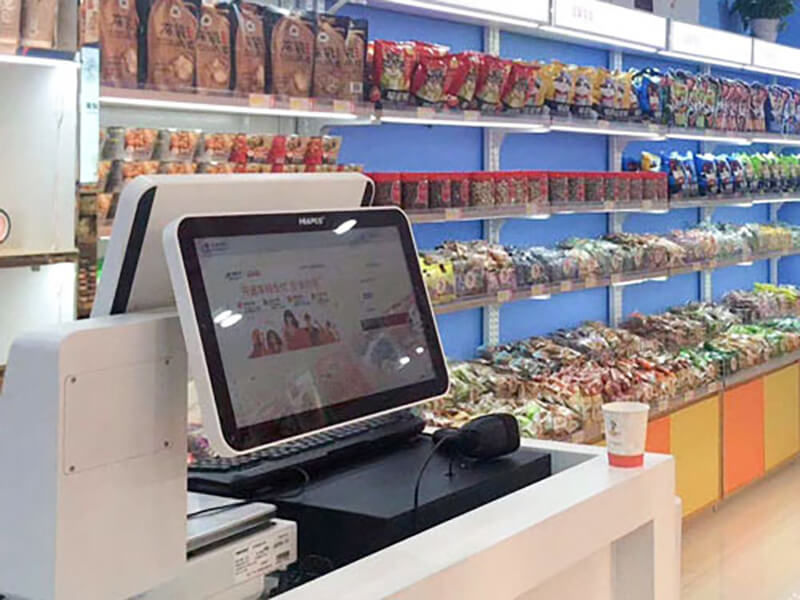
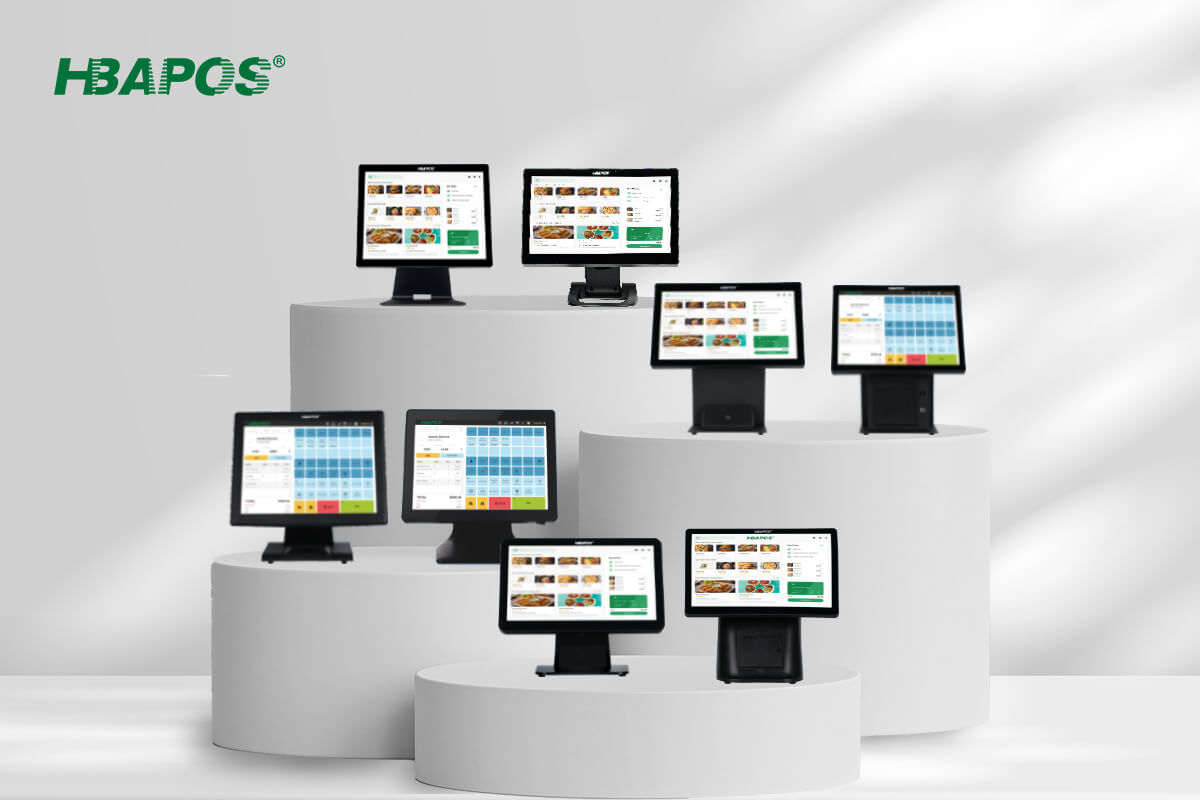
A convenience store POS system must fit a limited checkout area while connecting the devices required for daily transactions. For software vendors, distributors, and system integrators, the terminal should therefore be selected as part of a complete hardware configuration rather than as a screen and processor alone. This guide explains how to compare the foldable HBA-L1 and the slim HBA-L2, confirm Windows software requirements, plan peripheral connections, and validate a sample before a larger deployment.
What Convenience Store Projects Require from POS Hardware
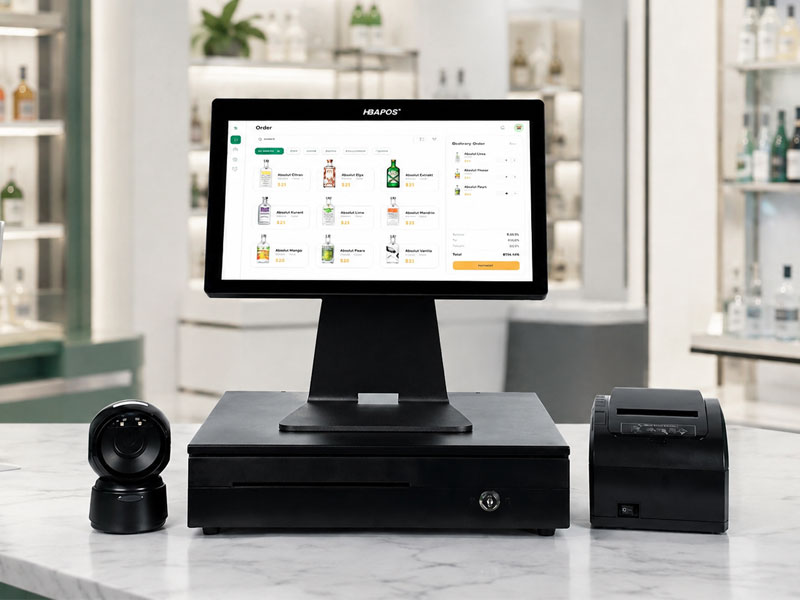
Convenience stores often place the POS terminal beside a barcode scanner, receipt printer, cash drawer, and payment device. The available counter depth, cable routes, operator viewing angle, and number of required interfaces can determine whether a configuration works in practice. A terminal that appears suitable on a specification sheet may still create installation problems if the project team does not map these details before ordering.
The hardware must also match the POS application. HBAPOS supplies Windows-based POS hardware, but processor, memory, storage, drivers, display behavior, and peripheral requirements still depend on the customer's software package. The safest starting point is a written configuration list from the software provider or system integrator.
HBA L1 and HBA L2 for Convenience Store Counters
The
HBA-L1 and
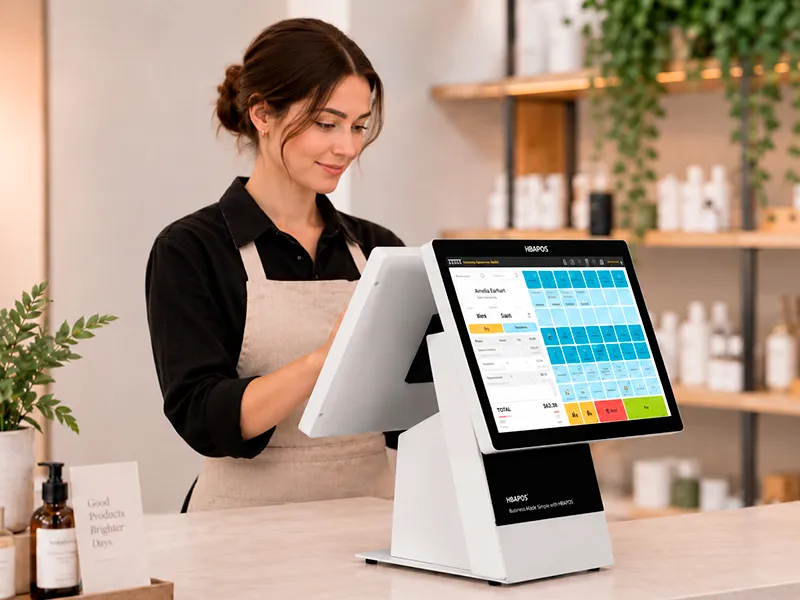
HBA-L2 both use aluminum alloy housings and 9 mm ultra-thin displays. Their main difference is the terminal structure. The HBA-L1 has a foldable base, while the HBA-L2 uses a slim fixed desktop arrangement. This distinction affects how the terminal is packed, stored, positioned, and standardized across checkout counters.
| Decision point | HBA-L1 | HBA-L2 | What to confirm |
|---|
| Structure | Foldable base | Slim fixed desktop structure | Counter depth, viewing angle, and installation method |
| Housing | Aluminum alloy | Aluminum alloy | Color, finish, cleaning routine, and branding requirements |
| Display | 15.6-inch capacitive touch screen with a 9 mm ultra-thin profile | 15.6-inch capacitive touch screen with a 9 mm ultra-thin profile | Resolution, touch behavior, and application scaling |
| Project fit | Consider when folding helps with packing, storage, or flexible counter positioning | Consider for a consistent permanent counter layout | Use the actual counter drawing and cable plan |
| Peripherals | Multiple interfaces are available | Multiple interfaces are available | Confirm every connector and driver against the final bill of materials |
When the Foldable HBA L1 Is the Better Starting Point
The HBA-L1 is worth considering when the project benefits from a foldable terminal. Folding can make the unit easier to plan for storage or transport, and the adjustable structure gives the installer more flexibility when testing the operator's viewing position. It is also useful when a distributor wants one product concept that can be demonstrated in different counter layouts.
The foldable structure does not remove the need for installation checks. Confirm the working angle, base position, cable clearance, and stability with the scanner, printer, and cash drawer connected. If a store uses a raised counter, recessed cable opening, or narrow shelf, request the product dimensions and compare them with the site drawing before approving the model.
When the Slim HBA L2 Is the Better Starting Point
The HBA-L2 suits projects that prefer a clean, fixed desktop layout. Its aluminum alloy housing and ultra-thin display can support a compact visual design without introducing a folding mechanism into the installation plan. This can simplify standardization when every lane uses the same counter depth and operator position.
A fixed arrangement should still be checked with the final counter. The integrator needs to confirm the footprint, screen position, access to ports, ventilation clearance, and cable direction. These practical checks are more reliable than selecting the model from photographs alone.
Build the Configuration Around the Windows POS Software
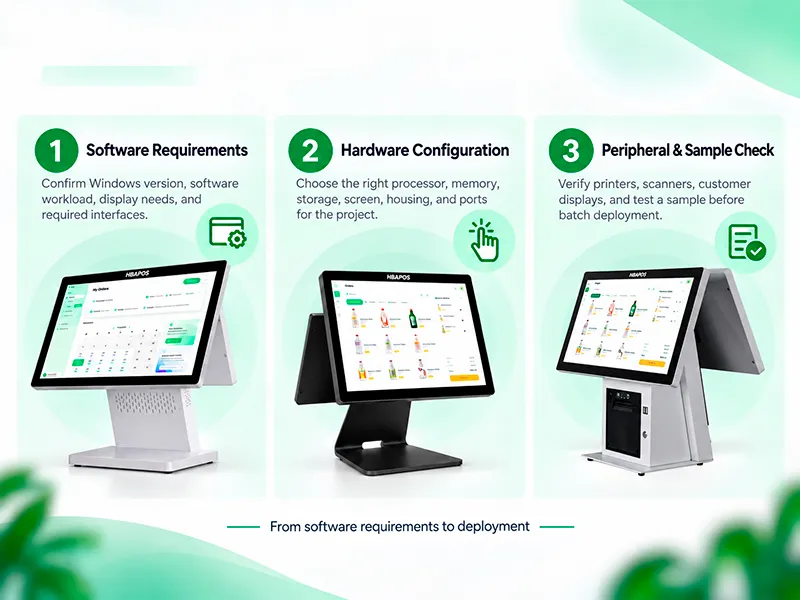
The POS application should define the hardware configuration. Ask the software provider for its supported Windows version, minimum and recommended processor level, memory requirement, storage requirement, display resolution, scaling behavior, and peripheral drivers. If the application runs local services, stores a large product database, or connects several USB devices, choose the configuration from the recommended requirement rather than the minimum requirement.
Current HBA-L1 and HBA-L2 product information lists J6412, N97, Intel Core i3, Core i5, and Core i7 processor options, together with 4 GB, 8 GB, or 16 GB of memory and 128 GB, 256 GB, or 512 GB of storage. Availability and the final combination should be confirmed for the project before quotation. A higher specification may be justified for a heavier local database or multiple connected applications, but it should not replace software testing.
| Software question | Why it matters | Evidence to request |
|---|
| Which Windows version is supported | Determines operating system image and driver compatibility | Software vendor compatibility statement or tested version list |
| What processor and memory are recommended | Affects application response under the intended workload | Recommended requirements for the production workload |
| How much local data is stored | Influences storage capacity and maintenance planning | Database size, retention policy, and expected growth |
| Which peripherals require drivers | Drivers can be as important as the physical connector | Driver package, device model, and connection type |
Map Every Peripheral Before Requesting a Quote
Convenience store quotations can vary because the POS terminal and peripherals are configurable. A useful request identifies every device, its connection type, and whether it is supplied by HBAPOS or by another vendor. This avoids comparing prices for different bills of materials.
- Barcode scanner: specify USB, serial, or another required connection.
- Receipt printer: provide the printer model, interface, Windows driver, paper width, and cash-drawer control method.
- Cash drawer: confirm whether it connects through the receipt printer or needs a dedicated interface.
- Payment device: confirm that it is supplied and certified by the appropriate payment provider, then reserve the required connection and counter space.
The current HBA-L1 and HBA-L2 pages list one LAN port, one COM port, six USB ports, and one audio connection. Treat this as a starting point and confirm the production bill of materials because interface layouts can vary with the selected motherboard or customization. Do not assume that a free physical port guarantees software compatibility.
Use Counter Measurements Instead of General Size Labels
A compact terminal should be evaluated within the complete checkout station. Measure the usable width and depth after accounting for the cash drawer, scanner, printer, payment device, bagging area, and any protective barrier. Record the location of power and network outlets and identify where cables can enter the counter.
- Create a simple top-view counter drawing with dimensions.
- Place each device on the drawing and reserve room for operation, paper replacement, and maintenance access.
- Check the operator's reach and screen viewing angle at the normal standing or seated position.
- Confirm that cables do not cross the scanning area or obstruct the cash drawer.
- Compare the drawing with the selected HBA-L1 or HBA-L2 dimensions and request confirmation for any custom mounting requirement.
Validate a Sample Before Batch Deployment
A sample test is the most direct way to confirm the complete configuration. HBAPOS can start with one sample unit, and sample production can be completed within seven days. This is production time, not a promise that international delivery will be completed within seven days.
The customer can send a POS software installer or remotely connect to the sample terminal. Testing can cover the POS application, receipt printer, barcode scanner, and cash drawer. Depending on the agreed scope, HBAPOS can provide a test video, screenshots, or a simple test record. These materials support review, but the software vendor or integrator should still define the acceptance criteria.
| Test area | Example acceptance check |
|---|
| Application launch | The agreed Windows build installs and the POS application opens without a blocking error |
| Touch input | Buttons, lists, and data-entry fields respond correctly at the selected display scaling |
| Barcode scanner | The required barcode types enter the correct data into the intended software field |
| Receipt printer | The correct printer, driver, page width, cut command, and character output are verified |
| Cash drawer | The drawer opens through the intended command path and remains closed when it should |
| Restart and reconnection | The application and required devices recover after an agreed restart or reconnect test |
Information Needed for an Accurate Quotation
Pricing depends on the final hardware and service scope. A complete inquiry lets the supplier quote a comparable configuration and reduces revisions after sampling. Include the following information:
- Preferred model or the reason for comparing HBA-L1 and HBA-L2
- Required Windows version and POS software requirements
- Processor, memory, and storage target
- Main display requirements
- Complete peripheral list with models and interfaces
- Wi-Fi, Bluetooth, speaker, MSR, logo, color, packaging, or other customization requirements
- Sample quantity, expected order quantity, destination, and target schedule
- Required testing steps and evidence
Recommended Selection Process
Choose the HBA-L1 when its foldable structure solves a real packing, storage, demonstration, or counter-positioning requirement. Choose the HBA-L2 when the project calls for a slim fixed terminal in a standardized permanent layout. In both cases, confirm the Windows workload, final interfaces and peripherals before comparing price.
For a new convenience store deployment, begin with the counter drawing and software requirement list.
HBAPOS can then recommend a configuration, prepare one sample, and test the agreed software and peripherals before the project moves to a larger order.
Frequently Asked Questions
Is the HBA L1 or HBA L2 better for a convenience store
Neither model is automatically better for every store. The HBA-L1 is the stronger starting point when a foldable structure helps with packing, storage, demonstration, or flexible positioning. The HBA-L2 is a practical starting point for a slim fixed counter layout. The final choice should be checked against the counter drawing, software workload, and peripheral list.
Can HBAPOS confirm compatibility with our Windows POS software
Yes, compatibility can be evaluated on a sample. The customer may send the POS software installer or remotely connect to the sample terminal. The test scope and acceptance criteria should be agreed in advance because a successful launch alone does not verify every workflow or peripheral.
Can one sample be ordered before a larger deployment
Yes. The sample MOQ starts from one unit. Sample production can be completed within seven days, while shipping time depends on the destination and logistics method.
Why is there no fixed price in this guide
The price changes with the processor, memory, storage, optional modules, peripherals, customization, quantity, and testing scope. Send a complete configuration request so the quotation reflects the same bill of materials that will be sampled and deployed.