A bakery POS system should be planned around the work performed at each station, not around a single terminal specification. For many bakery projects, the hardware plan covers front-counter checkout, weighed or prepacked product labeling, production-screen order routing, and customer pickup. The final result depends on the customer’s POS, label, and kitchen display software, so hardware selection and software validation must be completed together.
Plan Bakery POS Hardware by Work Area
The first step is to map each task to a physical work area. This helps software companies, distributors, system integrators, and bakery operators define a deployable package without adding equipment that the workflow does not require.
Not every bakery needs every station. A small counter-service bakery may only require a checkout terminal and receipt printer. A store that sells pastries, ingredients, or deli-style items by weight may add a weighing and labeling station. A bakery with made-to-order cakes, sandwiches, drinks, or pickup orders may also benefit from a production display.
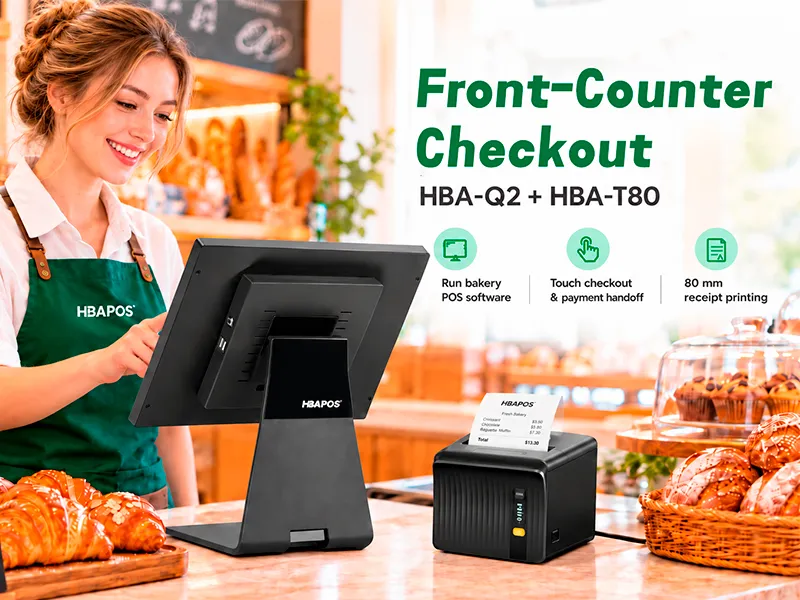
Use HBA-Q2 and HBA-T80 for Front-Counter Checkout

The
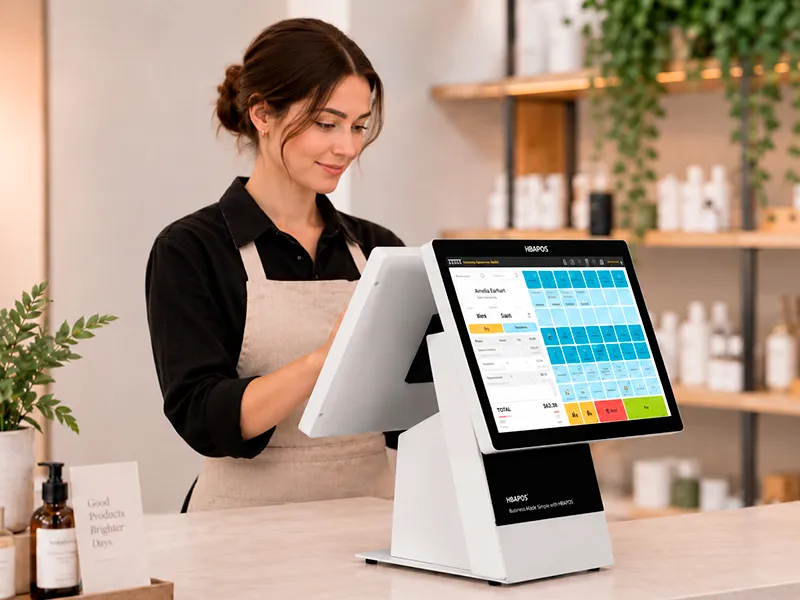
HBA-Q2 POS terminal is the central checkout device in this proposed configuration. Its role is to run the customer’s bakery POS software, connect the required peripherals, and provide a touch interface for item selection, modifiers, discounts, payment handoff, and receipt control. These business functions come from the selected software; the terminal provides the computing and connection platform.
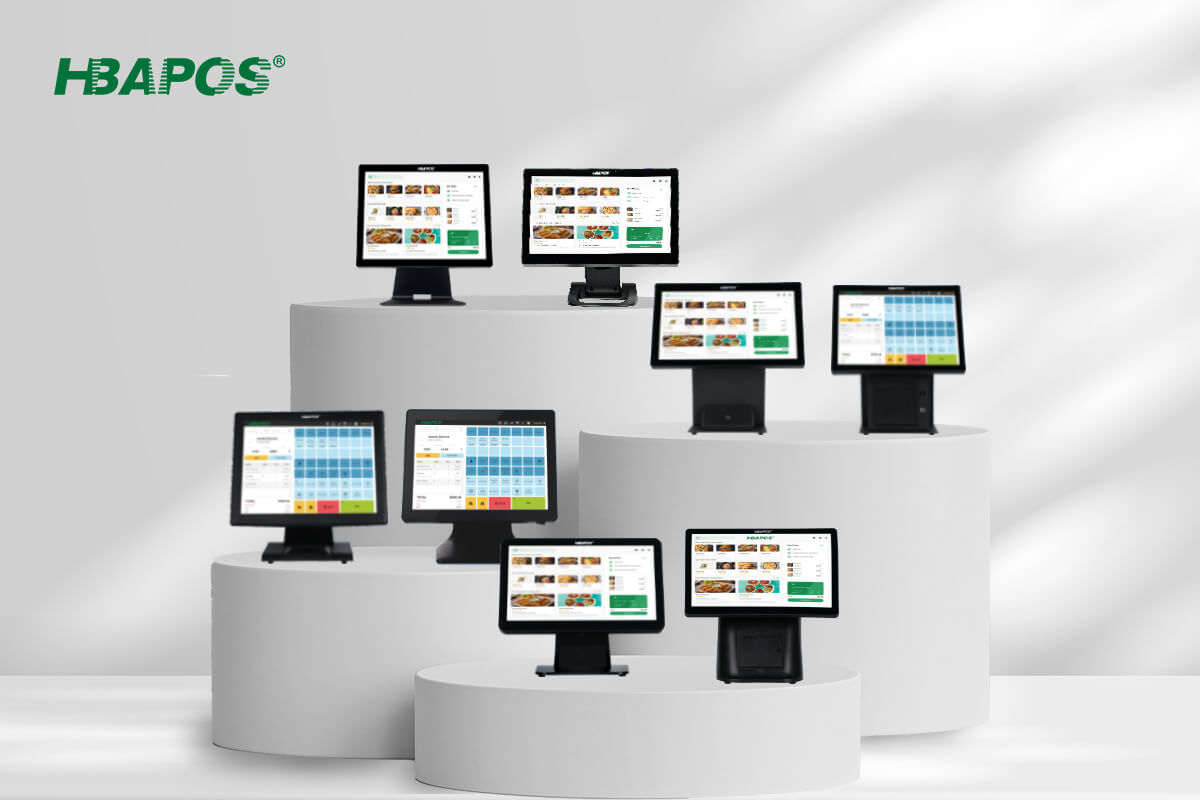
Relevant HBA-Q2 options include a metal housing with a stable stand, 15-inch or 15.6-inch main screens, J6412, N97, and Intel Core i3, i5, or i7 processors, 4 GB to 16 GB memory, 128 GB to 512 GB storage, and LAN, COM, USB, audio, and VGA interfaces. Windows, Android, and Linux options are listed, subject to the selected hardware configuration and application requirements.
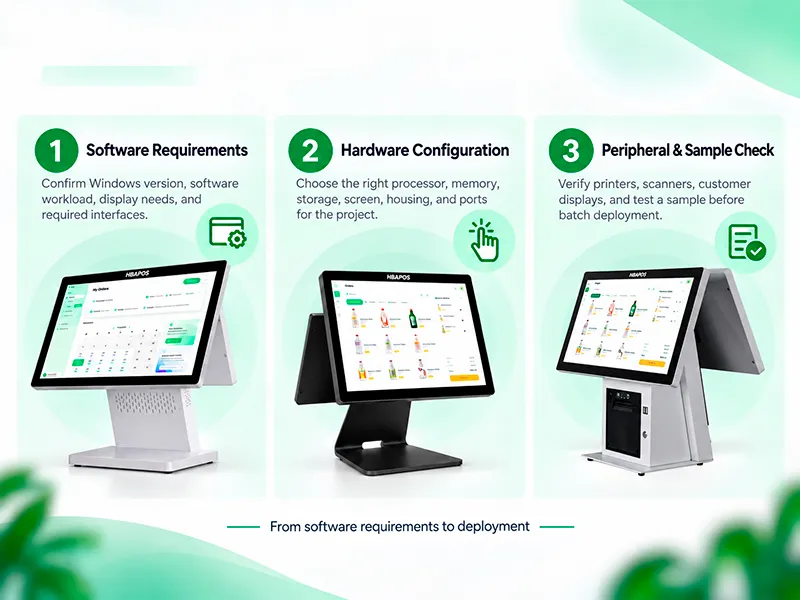
Choose the processor and memory only after confirming the operating system, database architecture, browser or native application, background services, and number of connected devices. A higher specification is not automatically better if the software provider has validated a lighter platform. The software provider should supply minimum and recommended hardware requirements before quotation.
The
HBA-T80 handles 80 mm transaction receipts. Before ordering, confirm the interface required by the checkout terminal, the driver or command supported by the POS software, cash-drawer control if used, paper width, character set, logo and QR-code requirements, and the required electrical plug. Interface combinations and other specifications should be written into the quotation rather than assumed from the product name.
Add HBA-LS-6 When Weighing and Product Labels Are Required
The
HBA-LS-6 combines an Android terminal, weighing scale, label printer, and camera in one station. In a bakery, it can support items priced by weight or products that need a printed barcode, price, date, batch, ingredient, or allergen label. The exact label content and whether the camera assists product recognition depend on the customer’s software and database. The hardware alone does not guarantee automatic identification.
The published configuration includes a full-metal body, 13.3-inch or 15.6-inch touch display, RK3566 or RK3568 processor options, memory and storage choices, a built-in 15 kg scale, label printer, camera, LAN, and other interfaces. The 15 kg figure is the stated capacity on the product page. Legal-for-trade use, graduation, calibration, sealing, label format, and local compliance must be confirmed for the destination market and application.
Questions to Confirm Before Selecting a Weighing Station
- Which bakery products are sold by weight, and what is the expected weight range?
- Will labels be printed before display, at the service counter, or during checkout?
- Which barcode symbology and label dimensions does the POS database use?
- Which fields must appear on the label, such as product name, price, weight, date, batch, allergens, or ingredients?
- Does the customer’s software support the scale, printer, camera, PLU database, and intended workflow?
- What calibration, inspection, or labeling requirements apply in the destination market?
Use HBA-K1 for Production Orders and Pickup Coordination
The
HBA-K1 is a commercial kitchen display system terminal that can be installed in the bakery production area. It can show incoming orders, preparation notes, promised times, or completion states when the customer’s KDS software sends and manages that information. For order pickup, the same system can support a handoff workflow, but order numbers, customer names, alerts, and status changes are software functions rather than guaranteed terminal features.
The K1 offers metal construction, heat-dissipation design, 15.6-inch, 18.5-inch, 21.5-inch, and 27-inch screen choices, VESA mounting, Windows, Linux, and Android options, and multiple interfaces. Select the screen size according to viewing distance, number of tickets shown at once, text size, mounting position, and whether staff operate the screen directly.
A Practical Order Route
- The cashier enters or confirms the order in the front-counter POS application.
- The software sends relevant items and preparation notes to the production display.
- Production staff update the order status using the method supported by the KDS software.
- The pickup team verifies the order identifier and completes the handoff according to the store’s process.
Test this route with real modifiers, partial orders, cancellations, reprints, network interruption, and duplicate-order prevention. Hardware should be approved only after the software provider confirms how these exceptions are handled.
Keep Receipt Printing Separate from Product Label Printing
The HBA-T80 should not be treated as a substitute for the label printer built into the HBA-LS-6. Receipt paper and adhesive product labels serve different purposes, use different media, and normally require different templates and printer settings. In this proposed package, HBA-T80 handles transaction receipts, while the HBA-LS-6 built-in printer handles product labels.
Confirm the Software and Data Flow Before Ordering
A bakery POS hardware package is only complete when every software-to-device connection has an owner and a test method. The following checklist helps the software provider or integrator define that responsibility.
Plan Counter Installation and Daily Service Access
Counter layout affects reliability and staff efficiency. Draw a simple plan showing the cashier position, customer queue, receipt printer, payment device, scanner, cash drawer, label station, network point, power outlets, and cable route. For the production display, record the wall or bracket location, VESA requirement, viewing angle, ventilation space, cleaning access, and distance from heat, steam, flour dust, and liquids.
- Keep frequently handled devices within a comfortable reach zone without blocking the main display.
- Provide strain relief and enough cable length for service without leaving loose cables in the work area.
- Confirm that staff can replace receipt and label media without moving heavy equipment.
- Separate power and network planning so installers can verify both.
- Document the exact port used by every device to simplify replacement and remote support.
Validate a Sample Before Bakery Rollout
A sample test is the most direct way to verify the proposed bakery POS system. HBAPOS supports sample orders starting from one unit, and sample production can be completed within seven days. This is production time, not a promise that international delivery will also finish within seven days. Shipping method, destination, customs, and local delivery affect the final arrival date.
The software provider can send an installer or remotely connect to the sample unit. The agreed test scope may cover the POS application, receipt printer, weighing and label workflow, production display, barcode scanner, cash drawer, and other required peripherals. Evidence can include test videos, screenshots, and a simple result record, but the buyer and software provider should define the acceptance criteria.
Information Needed for an Accurate Bakery POS Quotation
A useful quotation should identify each device, configuration, interface, accessory, and responsible supplier. Sending the following information reduces the risk of comparing different bills of materials.
- Target country, quantity, rollout schedule, and whether the request is for a sample or batch order.
- POS and KDS software name, operating-system version, processor requirements, and installation method.
- HBA-Q2 screen, processor, memory, storage, operating system, customer-display requirement, and optional items.
- HBA-LS-6 screen, computing configuration, weighing range, label media, barcode, template fields, and software integration method.
- HBA-K1 screen size, operating system, mount, viewing distance, network method, and order-routing interface.
- HBA-T80 interface, driver or command requirements, paper width, cutter, cash-drawer connection, plug, and power standard.
- Required scanners, payment devices, cash drawers, mounting parts, spare media, and the supplier responsible for each item.
- Logo, color, packaging, labeling, documentation, and other OEM or ODM requirements.
Recommended Bakery POS System Configuration Process
- Map the bakery workflow and separate checkout, weighing, labeling, preparation, and pickup tasks.
- Ask the software provider for operating-system, performance, peripheral, database, and network requirements.
- Choose only the hardware stations required by the actual workflow.
- Freeze interfaces, screen sizes, mounting, media, accessories, and responsibility boundaries in the quotation.
- Test one representative sample with the real application and real transaction data.
- Approve the batch configuration only after the sample meets documented acceptance criteria.
For distributors and system integrators, this process creates a repeatable configuration record for future stores. It makes substitutions visible and helps support teams identify whether an issue belongs to hardware, software, network, media, or store procedure.
Frequently Asked Questions
What hardware does a bakery POS system need?
The minimum package is usually a POS terminal, the customer’s POS software, a receipt printer, and the required payment and scanning devices. Weighing and label hardware is added only for products sold or prepared by weight. A kitchen display terminal is useful when orders need to be routed from checkout to a production area or pickup workflow.
Can HBA-LS-6 automatically recognize bakery products?
The HBA-LS-6 includes a camera, scale, and label printer, but recognition depends on the customer’s software, model training or database, product presentation, and integration. Recognition performance should be tested with representative products before deployment.
Can HBA-K1 manage order pickup by itself?
No. The HBA-K1 provides the display and computing platform. Order routing, identifiers, status changes, notifications, and pickup logic depend on the customer’s KDS or POS software and the store’s operating procedure.
Should receipts and product labels use the same printer?
Usually not. Transaction receipts and adhesive product labels use different media, templates, and control settings. In this proposed package, HBA-T80 handles 80 mm receipts, while the HBA-LS-6 built-in printer handles product labels.
What should be tested before a multi-store rollout?
Test the real application, checkout flow, receipt output, weighing and label content, order routing, modifiers, cancellations, pickup status, network interruption, restart recovery, and every required peripheral. Record the approved hardware configuration and software version so each store receives the same validated package.
Conclusion
A bakery POS system works best when each device has a defined role. HBA-Q2 can serve as the front-counter POS terminal, HBA-LS-6 can support weighing and product labeling, HBA-K1 can provide a production display for order preparation and pickup coordination, and HBA-T80 can handle transaction receipts.
The software provider remains responsible for application logic, device integration, data flow, and the user workflow. Before requesting a final quotation, document the complete configuration and validate a representative sample.
To discuss a bakery hardware project, send HBAPOS the software requirements, required work areas, expected peripherals, quantities, and destination market. HBAPOS can use this information to prepare a configuration for sample validation and quotation.