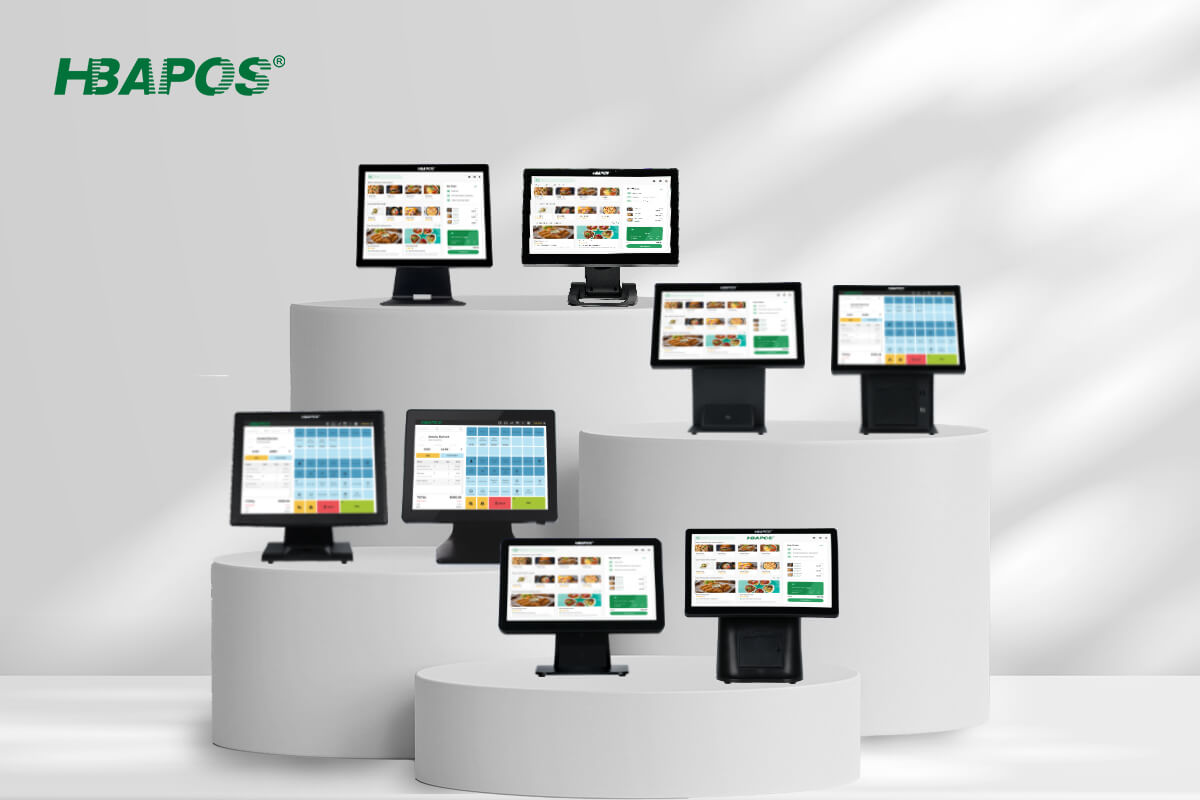
A POS system with a barcode scanner should fit the way staff or customers present items at the counter. Built-in scanning keeps the scanner within the terminal assembly. An external scanner gives buyers more freedom to position the reading point or bring a handheld device to the product. Neither arrangement is automatically better for every store.
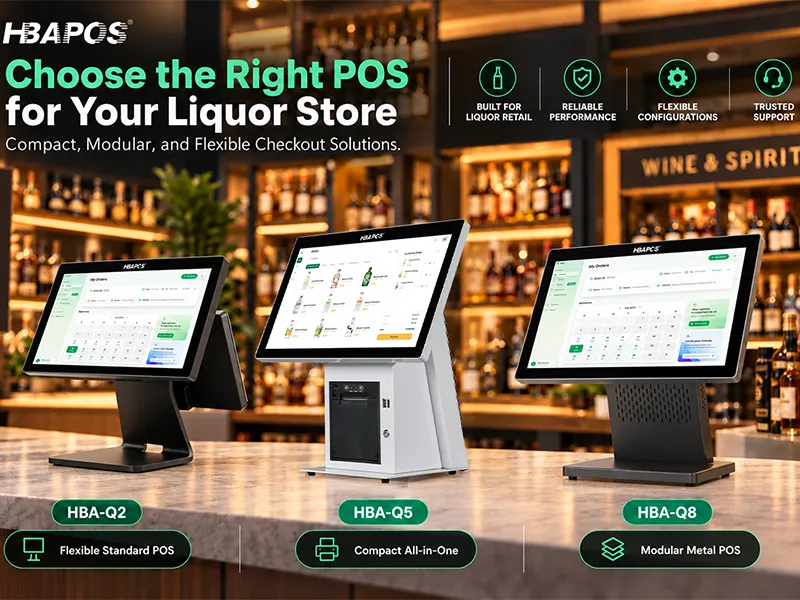
HBAPOS offers built-in scanning examples in HBA-R8 and HBA-Q1CX, while HBA-Q2 can be paired with an external handheld or desktop presentation scanner. The options discussed here support 1D and 2D codes, including codes displayed on a phone screen. The final choice should reflect the buyer's workflow, software integration, counter layout, and preferred connection.
Compare Where the Scanner Sits and How Items Reach It

The main distinction is physical placement. With a built-in scanner, the user brings the code into the terminal's scanning area. With an external presentation scanner, the reading point can be positioned separately. With a handheld scanner, the operator can move the scanner toward the barcode.
Customers generally choose their preferred setup. The comparison should help them assess the alternatives rather than assign one scanner to an entire industry. A store may sell small packaged items and heavy cartons at the same checkout, so evaluate the least convenient items as well as the easiest ones.
Built-In Scanning With HBA-R8 and HBA-Q1CX
Built-in scanning reduces the number of separate scanner units positioned on the counter. It also fixes the reading point relative to the terminal, which makes the terminal's installed position important. Check that the item, the user's hand, and a phone screen can reach the scanning area without obstructing normal operation.
HBA-R8 for an Integrated Checkout Lane
The
HBA-R8 combines a scanning platform, receipt printer, and programmable keyboard in an integrated supermarket checkout design. It is an example for buyers who want scanning and checkout hardware arranged within one assembly.
Plan its position around the cashier's reach and the movement of goods toward the packing area. A built-in scanner still needs an accessible reading window and a suitable presentation angle. Test large packages and awkward barcode locations in the intended installation before deciding that the layout is suitable.
HBA-Q1CX for Software-Defined Checkout or Inquiry
The
HBA-Q1CX includes an integrated 1D/2D scanner. It can be used for checkout or product inquiry depending on the customer's software and deployment. Its hardware should not be described as limited to price checking.
For checkout, confirm how the software receives a scan and adds the item to the transaction. For inquiry, confirm how a scanned identifier retrieves and displays the relevant product information. If customers operate the device themselves, evaluate whether they can see the screen and present a product or phone comfortably at the selected mounting position.
External Scanning With HBA-Q2
The
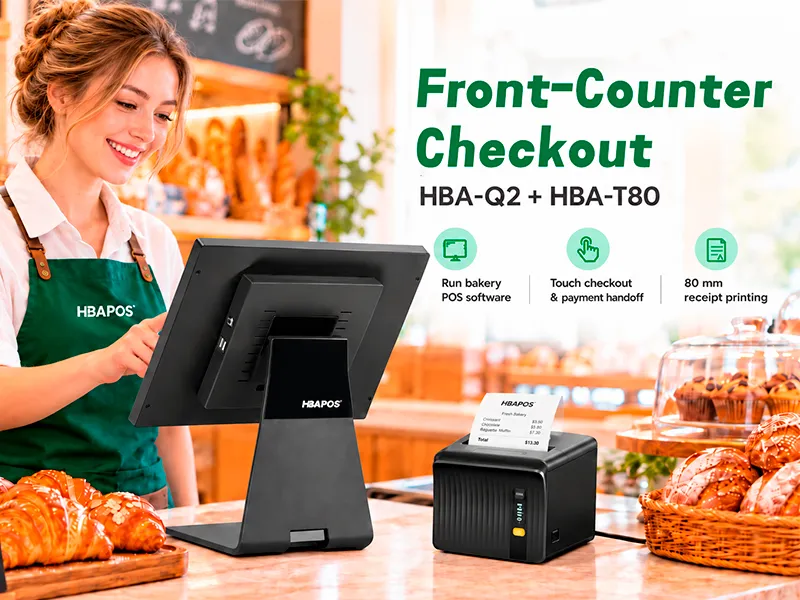
HBA-Q2 provides a POS terminal base for a separately selected scanner. HBAPOS offers external handheld and desktop presentation options. This arrangement lets the buyer choose the scanning position independently of the main screen, subject to cable reach, mounting, power, and software requirements.
Handheld Scanners for Flexible Reach
A handheld scanner can be brought toward a carton, a large item, or a barcode positioned away from the usual reading point. This can reduce the need to lift or turn the product solely to reach a fixed scanner. Check the operator's actual reach, the space needed to pick up and return the device, and how its cable or wireless connection will be managed.
A stand or holder should be confirmed with the selected scanner package. Do not assume that every handheld model automatically provides continuous hands-free scanning or the same trigger behavior.
Desktop Presentation Scanners for a Separate Reading Point
A desktop presentation scanner provides a fixed scanning point without requiring it to be part of the terminal housing. Buyers can position it where items naturally pass, while locating the main screen for comfortable viewing and touch operation.
Allow room for hands, packaging, and the payment device. A separate scanner still takes counter space and may need its own cable and power arrangement. Confirm its operating mode and placement before ordering rather than choosing only from a product photograph.
Combine Fixed and Handheld Scanning at One Checkout
For a checkout handling both everyday packaged goods and bulky items, consider using a desktop presentation scanner and a handheld scanner together. Staff can present routine items at the desktop scanner and bring the handheld scanner to heavy cartons, large products, or barcodes that are difficult to reach. Buyers can request both devices as part of the same checkout package.
For supermarket checkout lanes, HBAPOS customers commonly use a fixed scanning platform together with a handheld scanner. HBA-R8 already includes the fixed scanning platform, so an additional handheld scanner provides the complementary reading point. HBA-Q2 can instead be paired with an external desktop scanner and an external handheld scanner. Confirm the connections and check that both scanners send data correctly to the same POS application.
Match the Arrangement to the Counter Workflow
Use the following questions when comparing a built-in scanner with an external handheld or desktop unit. These are selection considerations, not guaranteed performance differences.
External scanners can often be exchanged as separate devices, but the replacement must still match the interface and application. Built-in scanner servicing depends on the terminal structure and module. Ask the supplier about the service procedure and replacement availability; avoid assuming that every external replacement is plug-and-play or that an integrated module cannot be serviced.
Read Paper Labels and Phone Screens With the Actual Codes
The built-in and external options discussed in this guide support 1D barcodes and 2D codes, including codes shown on phone screens. Confirm the exact symbologies required by the application rather than treating 2D support as proof that every possible format is enabled.
Use representative labels and screens when evaluating the chosen setup. Curved packaging, reflective surfaces, small codes, damaged labels, screen brightness, and presentation angle can affect the result. Support for phone-screen scanning does not guarantee that every damaged or poorly displayed code will be read.
The scanner reads encoded information. The customer's software determines whether that information identifies a product, opens an inquiry, applies a membership benefit, or enters another workflow. Reading a payment QR code alone does not complete payment authorization or settlement; the application and payment service must support that process.
Confirm the Interface and Software Input Method
HBAPOS offers USB, serial, and wireless external scanner versions. Confirm the connection available on the particular model and how it connects to the selected POS terminal. A portfolio of connection options does not mean every scanner contains all three interfaces.
Ask the software provider how scan data should arrive. For a USB device, confirm whether the application expects keyboard-style input, a virtual serial connection, or another supported method. For serial input, agree the port and communication settings. For wireless versions, identify the connection technology, receiver or pairing method, charging needs, and reconnection behavior.
Check power requirements, cable length, supplied accessories, and the exact data format expected by the application. Test leading zeros, required prefixes or suffixes, and any character handling relevant to the actual codes. For a built-in scanner, also confirm its data path to the application; physical integration does not establish software compatibility.
Confirm the Complete Package Before Ordering
Send the supplier a description of the workflow and the requested arrangement, including the following information:
- Preferred terminal and required scanner combination, including fixed scanning plus a handheld scanner where useful.
- Representative 1D and 2D codes, including phone-screen examples where required.
- Software name, operating system, input method, and device integration requirements.
- Required interface, cable or wireless arrangement, power, and accessories.
- Counter layout, product sizes, installation position, quantity, and destination.
Before approving the configuration, run a normal transaction or inquiry from scan to the correct software result. Confirm that the code is read once, reaches the intended field, retrieves the correct record, and behaves as expected after reconnection or restart. Keep this check focused on the scanning workflow and document the final scanner model and settings for repeat orders.
Frequently Asked Questions
Is a Built-In Barcode Scanner Better Than an External Scanner
It depends on the preferred workflow. Built-in scanning keeps the reading point within the terminal assembly. External handheld scanners offer flexible reach, while desktop presentation scanners allow an independently positioned fixed reading point.
Can These Scanners Read Barcodes From a Phone Screen
Yes. The discussed HBAPOS built-in and external options support phone-screen scanning. Confirm the required code formats and evaluate representative screens under the intended operating conditions.
Is HBA-Q1CX Only a Price Checker
No. HBA-Q1CX can support checkout or inquiry, depending on the customer's application and integration. The software defines what happens after the scanner reads the code.
Can HBA-Q2 Use a Wireless Barcode Scanner
Yes, a suitable external wireless scanner can be selected. Confirm its connection method, receiver or pairing requirements, charging arrangement, and compatibility with the POS application before ordering.
Conclusion
Choose a POS system with a barcode scanner by checking where items will be presented, how far the operator must reach, and how scan data enters the software. R8 and Q1CX illustrate built-in arrangements, while Q2 can be paired with handheld or desktop scanning. For mixed item sizes, consider fixed and handheld scanning together; R8 can combine its built-in scanning platform with an additional handheld scanner. Send
HBAPOS the preferred setup, representative codes, software requirements, and connection needs to confirm the appropriate package.