Configuration decisions for software providers distributors and system integratorsAn
all-in-one POS system combines the computing unit, operator touchscreen, and essential connection interfaces in one terminal. It can reduce counter clutter and simplify rollout, but "all in one" does not mean that one configuration suits every POS software package or deployment. For software providers, distributors, and system integrators, the practical task is to define a repeatable hardware specification that matches the application, peripherals, installation environment, and service plan.
This guide explains how to choose a Windows-based all-in-one POS terminal without over-specifying hardware or leaving critical details unresolved. The main conclusion is straightforward: start with the software workload and required devices, then select the processor, memory, storage, display, housing, and ports as one complete configuration. Confirming these items before requesting a quotation makes model selection, sample evaluation, and later batch deployment more efficient.
What an All-in-One POS System Includes

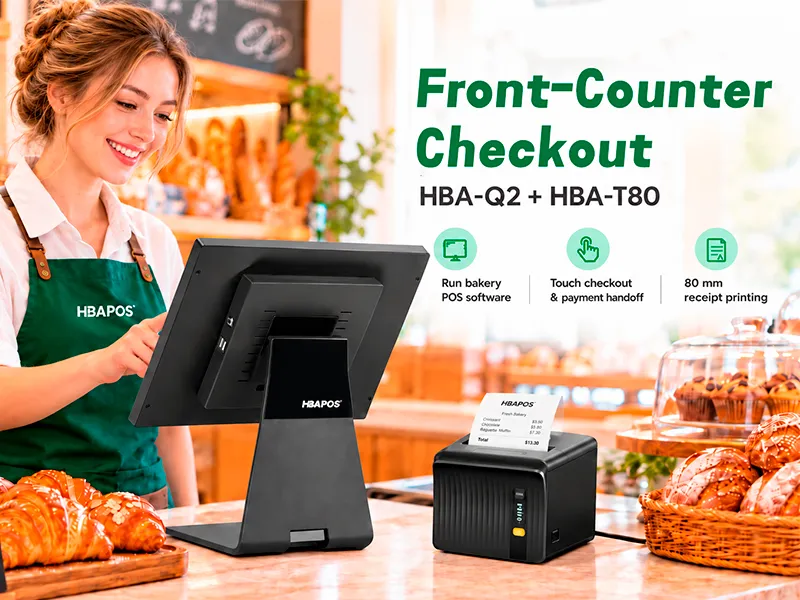
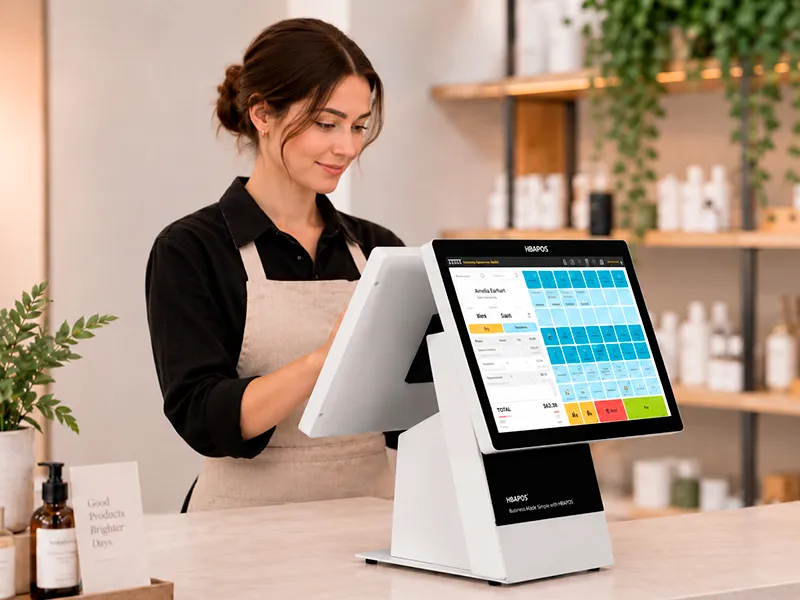
In this guide, an all-in-one POS system is a commercial touchscreen terminal with the computer integrated into the display or stand. It normally serves as the operator's main workstation. A customer display, receipt printer, barcode scanner, cash drawer, magnetic stripe reader, or other peripheral may be connected or added according to the project.
This distinction matters during procurement. The terminal is the center of the checkout hardware, but it is not automatically a complete store solution. The POS software license, payment terminal, peripherals, mounting accessories, and customer display may be separate items. A quotation should therefore identify exactly what is included rather than relying on a general product name.
For the projects discussed here, HBAPOS supplies Windows-based POS hardware. Buyers should state the Windows version required by their application and confirm any driver, framework, database, or device-service dependencies with their software team.
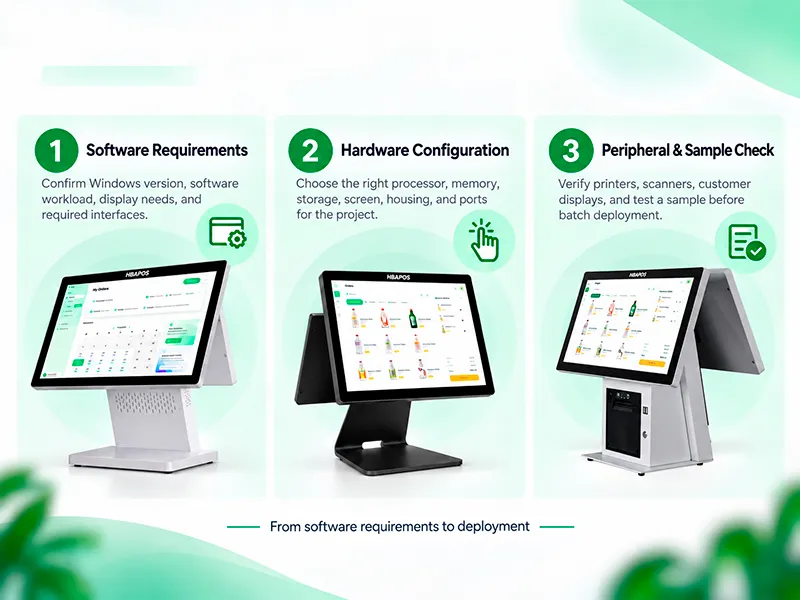
Start with the Software Workload
The processor name is often the first item buyers ask about, yet it should not be selected in isolation. A better starting point is a short workload profile. Record whether the terminal will run only the POS client or will also handle local database services, inventory functions, reporting, browser applications, kitchen display management, digital signage, or other background processes.
Ask the software provider for the following information:
- Supported Windows version and whether a 64-bit installation is required
- Minimum and recommended processor requirements
- Minimum and recommended RAM
- Required local storage and expected data growth
- Display resolution and scaling requirements
- Required USB, serial, LAN, audio, video, or cash-drawer connections
- Drivers or middleware required for printers, scanners, customer displays, or payment devices
- Whether the application must operate offline and store data locally
Minimum requirements show whether the application may start. Recommended requirements are more useful for specifying a terminal that must remain responsive during normal business operations. If a software vendor cannot provide a complete requirement sheet, a representative installer and test workflow should be used before the final hardware configuration is approved.
Core Hardware Configuration Options
The following configuration scope can be used as a starting point for an HBAPOS inquiry. Availability depends on the selected model, motherboard, housing, display structure, and project requirements. It should not be read as a promise that every option can be combined in every terminal.
| Component | Confirmed options for this configuration scope | What the buyer should confirm |
|---|
| Housing | ABS plus PC plus metal, full metal, or aluminum | Counter environment, appearance, stability, cleaning method, mounting, and shipping requirements |
| Main screen | 11.6, 13.3, 15, 15.6, 17, 18.5, 21.5, or 27 inch | Software resolution, Windows scaling, operator viewing distance, touch area, and counter space |
| Customer display | VFD220; 9.7, 11.6, 13.3, 15, or 15.6 inch | Information to be shown, required interface, software output method, mounting, and touch requirement |
| Processor | RK3566, RK3568, J6412, N97, Intel Core i3, Intel Core i5, or Intel Core i7 | Required operating system, exact software workload, processor generation where relevant, thermal design, and lifecycle requirements |
| Memory | 3 GB, 4 GB, 8 GB, or 16 GB | Operating system and software requirements, number of concurrent applications, and future update margin |
| Storage capacity | 16 GB, 32 GB, 128 GB, 256 GB, or 512 GB | Operating system footprint, application files, local database, logs, images, backups, and retention period |
The processor, RAM, and storage figures above describe the available portfolio range. They are not interchangeable across every motherboard, operating system, or terminal structure. The final quotation should state the exact motherboard and component specification. In particular, Intel Core labels alone do not identify the processor generation or full performance characteristics.
Choose the Processor by Task Profile
A useful processor decision separates checkout workloads into practical task profiles. Avoid choosing only by the highest model name or the lowest unit price.
Standard checkout workload
A standard workload may include order entry, barcode scanning, receipt printing, cash-drawer control, basic customer display output, and cloud synchronization. J6412 or N97 may be evaluated for this type of deployment when they meet the POS software provider's stated requirements. The choice still depends on the application, operating system image, connected devices, and number of background services.
RK3566 and RK3568 are also within the available CPU range, but their board platform and operating-system support must be matched to the project. They should not be treated as direct substitutes for J6412, N97, or Intel Core configurations in a Windows software deployment. Confirm the required operating system first, then remove incompatible processor and motherboard combinations from the shortlist.
Heavier local workload
Intel Core i3, i5, or i7 options can be considered when the terminal will run more demanding software, multiple applications, a larger local database, reporting tools, media, or additional services. The correct tier cannot be determined from the Core label alone. Buyers should request the exact processor specification and compare it with the software vendor's recommended requirements.
Standardize before rollout
For a distributor or integrator, a stable, documented configuration is often more valuable than offering too many combinations. Once a sample passes the required workflow, record the processor, motherboard, BIOS settings, RAM, storage, display, interfaces, Windows image, and peripheral models. Use this as the reference configuration for later orders, subject to component lifecycle confirmation.
Size RAM for the Whole Windows Workload
RAM affects how well the terminal handles the POS application together with operating-system services, device utilities, security software, browser windows, remote support tools, and local database processes. The available range is 3 GB, 4 GB, 8 GB, and 16 GB. The selected capacity should be evaluated against the complete operating workload, not only the main application executable.
Three-gigabyte and 4 GB configurations are motherboard- and operating-system-dependent and should be considered only when the software provider confirms that the complete image and application are suitable for that capacity. Eight gigabytes provides more working margin for many general Windows deployments, while 16 GB may be appropriate for heavier multitasking or software with higher recommended requirements. These are planning considerations, not universal performance guarantees.
Before ordering, reproduce a realistic busy-period workflow. Open the applications and services that will run in production, process transactions, print receipts, scan products, update inventory, and use any remote management software. Observe responsiveness and resource use over a representative test period. If the system operates close to its memory limit, increasing RAM before deployment is usually simpler than correcting an undersized fleet later.
Plan Storage Around Data Retention
Storage capacity is not only for the operating system and POS installer. Local databases, product images, transaction logs, update packages, exported reports, temporary files, and support records can increase the requirement over time. The available portfolio range is 16 GB, 32 GB, 128 GB, 256 GB, and 512 GB. Lower capacities are platform- and operating-system-dependent; they should not be assumed suitable for a Windows project. Match the selected capacity to the actual software image and retention plan.
A buyer should estimate:
- Space required by the Windows image and recovery method
- Installed size of the POS application and supporting software
- Expected local database growth per store
- Product image or media storage
- Log, export, and update retention
- Free-space margin required for maintenance and future updates
The quotation should identify the storage type and specification, not only its capacity. Those details can vary by model and project, so they should be confirmed on the final configuration sheet rather than assumed from a general product filter.
Select the Main Screen and Customer Display Separately
Main-screen choices within the confirmed range are 11.6, 13.3, 15, 15.6, 17, 18.5, 21.5, and 27 inches. Before approval, check the application's native layout, minimum resolution, Windows scaling, touch-target size, viewing angle, and available counter depth. A larger panel does not correct a software interface that was designed for a different resolution or aspect ratio.
The customer-facing display should be treated as a separate functional decision. The confirmed range includes VFD220 plus 9.7, 11.6, 13.3, 15, and 15.6-inch displays. VFD220 can be considered when the software only needs to show short transaction information in a character display format. An LCD customer display can support a graphical interface when the software provides an appropriate second-screen output. Buyers must confirm the connection method, supported resolution, mounting structure, orientation, and whether touch input is required.
Not every POS model supports every customer-display option. The selected terminal and display must be checked as one physical and electrical assembly. Software providers should also define which content appears on the operator screen and which content appears on the customer screen.
Verify Ports Before Choosing a Chassis
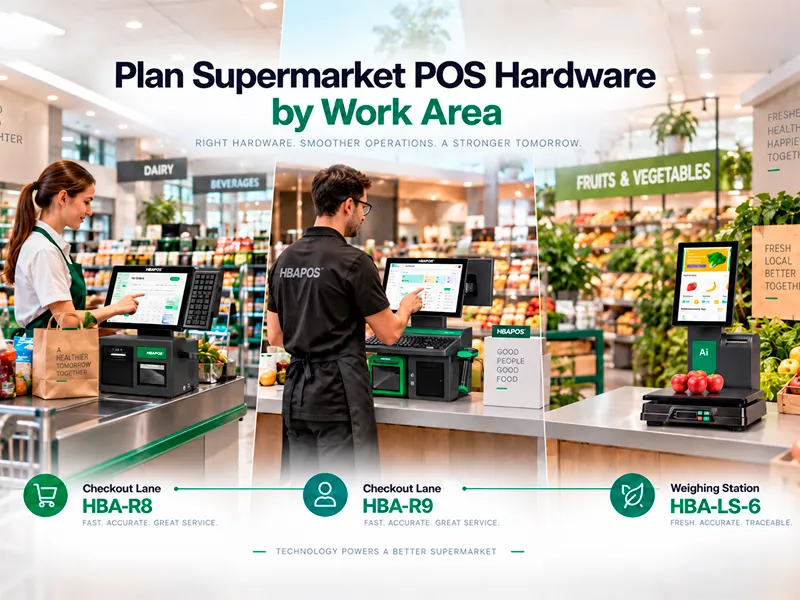
The port list should be created from the complete checkout station. Common devices can include a thermal receipt printer, barcode scanner, cash drawer, customer display, keyboard, scale, label printer, network connection, and service accessories. Count each connection and record its interface type.
USB quantity alone is not enough. Some projects need a COM port for legacy or commercial peripherals, a dedicated LAN connection, an audio connection, or a video output. A cash drawer may connect through the receipt printer rather than directly to the POS terminal. The buyer should confirm the actual device path so the specification does not reserve the wrong port.
For reference, the current
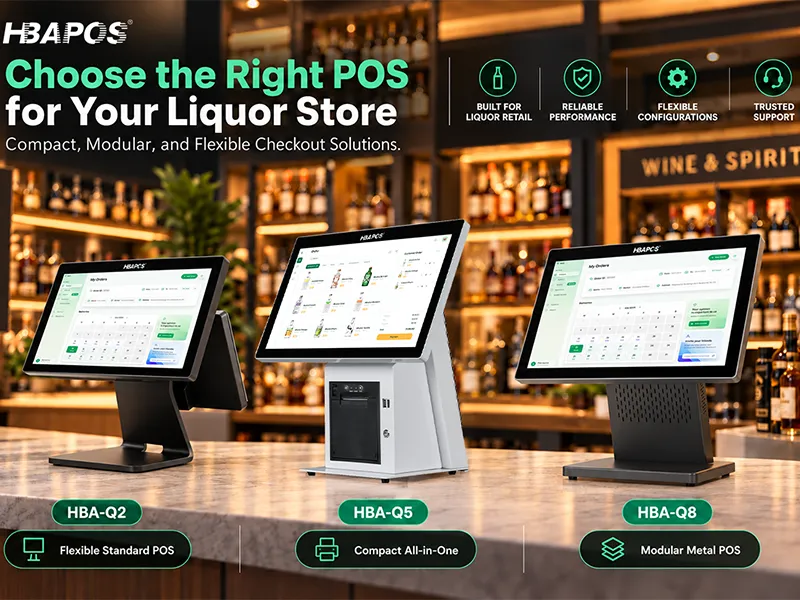
HBA-Q2 product page lists LAN, COM, USB, audio, and VGA interfaces, while HBA-L1 and
HBA-L2 publish a different set. This is why port verification must be model-specific. Review the exact product drawing and interface list before approving a sample or batch order.
Match the Housing to Installation and Logistics
Housing choice influences stability, weight, thermal behavior, appearance, cleaning, mounting, storage, and shipping. Available housing choices include ABS plus PC plus metal, full metal, and aluminum. These materials belong to different terminal structures, so the final construction must be checked for the chosen model rather than treated as a cosmetic substitution.
Counter dimensions should be measured before the terminal is selected. Allow space for the screen angle, customer display, cable routing, printer access, cash-drawer opening, scanner position, and staff movement. For distributors, carton dimensions and packing method also affect warehouse planning and freight cost. Foldable or slim structures may be useful where storage and transport efficiency matter, but those benefits should be evaluated together with installation stability and the required display arrangement.
Build a Repeatable Configuration Sheet
A configuration sheet is the handoff point between the software provider, hardware supplier, distributor, and installer. It should be specific enough that another person can identify the same terminal without relying on a sales conversation.
Include these fields:
- POS model and housing color
- Housing material and stand structure
- Exact processor and motherboard specification
- RAM capacity
- Storage capacity and type
- Main-screen size, resolution, and touch specification
- Customer-display type, size, resolution, interface, mounting, and touch requirement
- Windows version and image responsibility
- Required ports and port quantities
- Printer, scanner, cash drawer, and other peripheral models and interfaces
- Wi-Fi, Bluetooth, speaker, magnetic stripe reader, or other optional items
- Logo, packaging, plug, language, and labeling requirements
- Sample quantity, planned batch quantity, destination, and requested schedule
This document also improves quotation accuracy. HBAPOS pricing depends on the chosen options, so a single fixed price would not represent every configuration. A complete request allows the supplier to quote the intended hardware instead of making assumptions that later require revision.
Use a Sample to Confirm the Final Specification
After the configuration sheet is agreed, validate one representative unit with the intended software and peripherals. The sample should reproduce the complete operating flow rather than only confirming that Windows starts and the touchscreen responds.
HBAPOS accepts sample orders starting from one unit, and sample production can be arranged within seven days after the specification is confirmed. This is production time, not international delivery time.
Customers may send their Windows software installer or remotely connect to the sample. Testing can include the printer, barcode scanner, cash drawer, and customer-facing display, with video, screenshots, or a simple test record supplied according to the agreed scope. Final compatibility depends on the exact software version, drivers, interfaces, and selected hardware.
Information Needed for an Accurate Quotation
To receive a useful quotation for an all-in-one POS system, send the supplier a concise project brief rather than only asking for the lowest price. At minimum, include:
- Target application and business environment
- Windows version and POS software requirements
- Preferred processor, RAM, and storage capacity, or the software requirement sheet
- Main-screen and customer-display requirements
- Complete peripheral and interface list
- Preferred HBAPOS model, if already selected
- Sample quantity and estimated batch quantity
- OEM or ODM requirements
- Destination country and required plug or packaging details
- Target schedule
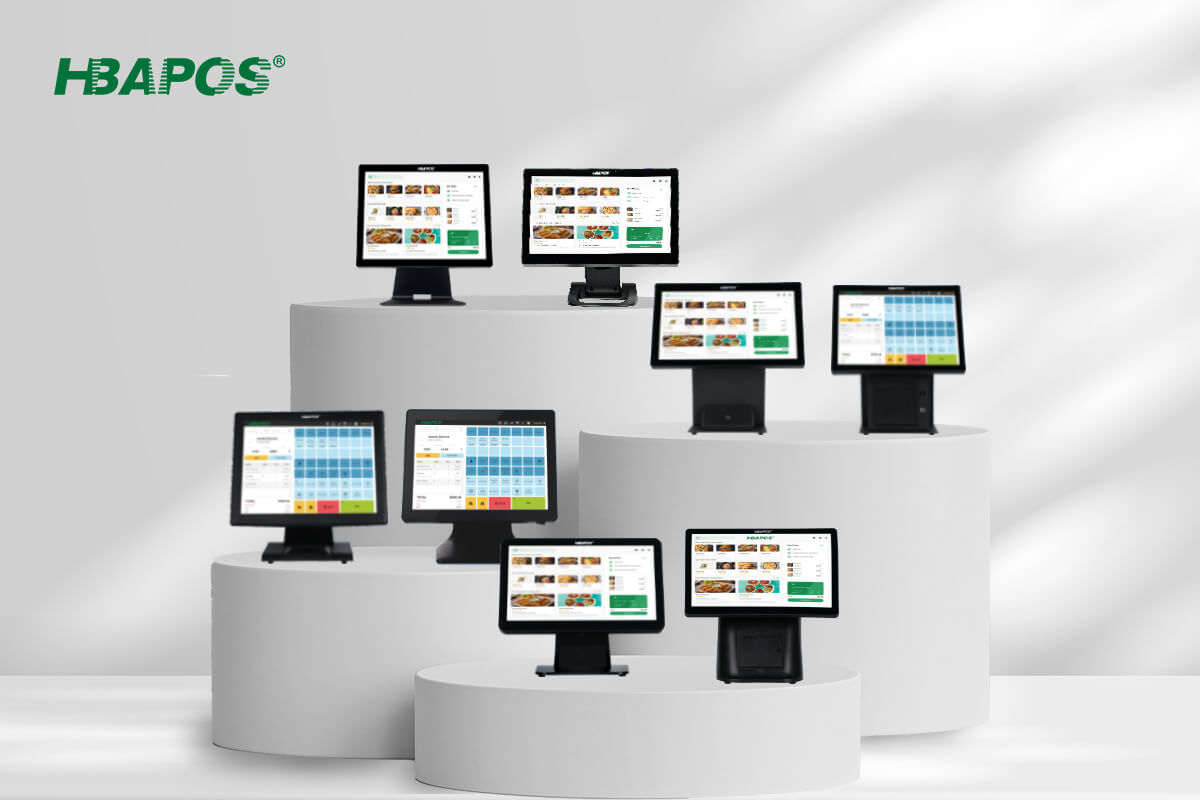
If some fields are unknown, send the software installer, screenshots, device list, or existing configuration for review. HBAPOS can then recommend an appropriate hardware combination from the available models, including HBA-Q2,
HBA-Q3, HBA-L1, and HBA-L2, subject to model-specific compatibility and availability.
Conclusion
The best all-in-one POS system configuration is the one that can run the required Windows software, connect every required device, fit the checkout counter, and remain repeatable across future orders. Processor, RAM, storage, displays, housing, and interfaces should therefore be approved together rather than purchased as separate specifications.
For a
project quotation, provide the software requirements, peripheral list, display plan, preferred configuration, quantity, and destination. HBAPOS can use that information to confirm a model-specific configuration, prepare a one-unit sample, and quote the selected options without presenting a misleading fixed price.
Frequently Asked Questions
Which processor is best for a Windows POS terminal?
There is no universal best processor. The correct choice depends on the POS application's recommended requirements, local database load, number of concurrent programs, peripherals, Windows image, and expected service life. Confirm the exact processor model rather than comparing only broad labels such as Core i3, i5, or i7.
Is 4 GB of RAM enough for POS software?
It may be enough for a limited Windows workload when the software provider confirms support, but it should not be assumed. Test the complete production workload, including Windows services, device utilities, security tools, and remote support. Choose 8 GB or 16 GB when the application and multitasking requirements need more working margin.
How much storage does a POS terminal need?
Storage should cover the operating system, POS application, local databases, product images, logs, updates, exports, backups, and future growth. The available portfolio range is 16 GB, 32 GB, 128 GB, 256 GB, and 512 GB, but the lower capacities are platform- and operating-system-dependent. Confirm the storage type, capacity, and exact specification in the quotation.
Can one POS terminal support both VFD220 and an LCD customer display?
Customer-display support depends on the terminal model, mounting structure, video or communication interface, power arrangement, and software output. VFD220 and 9.7, 11.6, 13.3, 15, and 15.6-inch displays are within the confirmed range. The selected combination must still be checked for the specific model.
Why does the price change between POS configurations?
The price changes because the processor, memory, storage, display arrangement, housing, interfaces, optional modules, customization, quantity, and packaging can differ. A configuration-specific quotation is more accurate than a single advertised price.