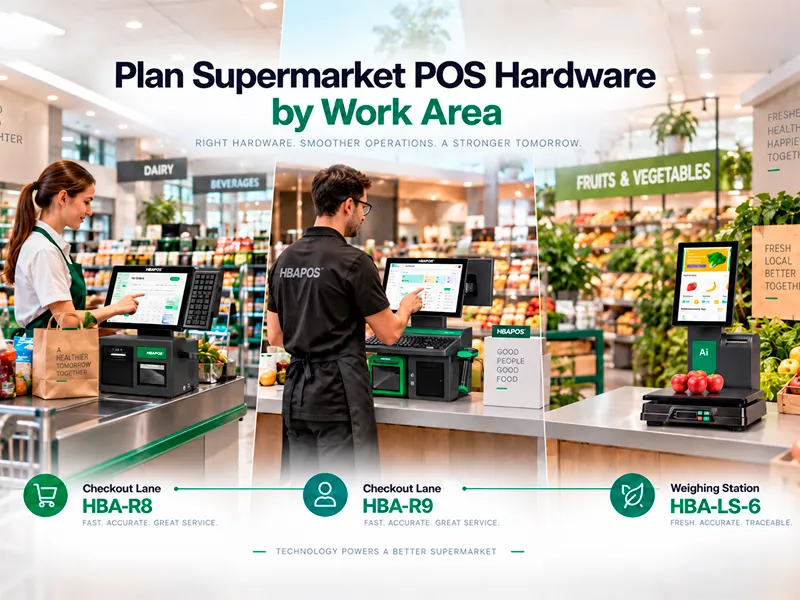
A supermarket POS system should be planned by work area rather than selected as one identical terminal for every task. A staffed checkout lane, a keyboard-based service counter, and a fresh-produce weighing station handle different products and operator actions. This guide explains how HBA-R8, HBA-R9, and HBA-LS-6 can support those roles, what software and peripheral details must be confirmed, and how to validate a sample configuration before deployment.
Why Supermarket POS Hardware Should Be Planned by Work Area
Supermarkets combine packaged goods, weighed items, age-restricted products, customer-facing price information, receipts, labels, and several payment workflows. The terminal layout has to match the operator's sequence of work. It must also fit the counter, preserve access for paper replacement and cleaning, and connect to the customer's POS or weighing software.
For B2B buyers, the main question is not which machine has the longest feature list. The useful question is which hardware role needs to be covered at each station. This prevents a store from paying for duplicated modules while missing a scanner, printer, keyboard, scale, or software interface that is essential at the actual counter.
Three Hardware Roles in a Supermarket POS System
The three products are not direct substitutes. HBA-R8 and HBA-R9 are checkout-lane systems with different scanning and keyboard arrangements. HBA-LS-6 serves a weighing and labeling workflow. A supermarket project may therefore use more than one hardware type in the same store.
Use HBA-R8 for an Integrated Checkout Lane
The
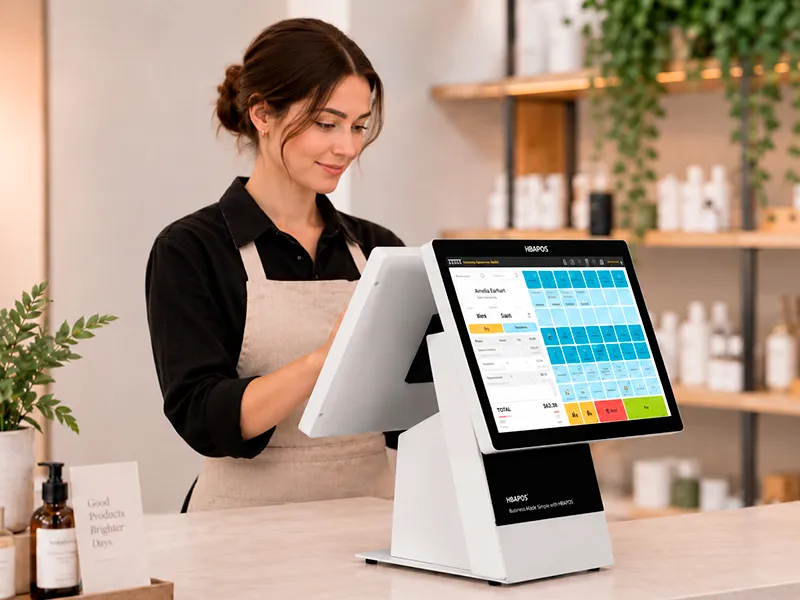
HBA-R8 is the stronger starting point when the lane needs a programmable keyboard and a built-in barcode scanning platform. The scanner position can reduce the need for a separate desktop scanner, while the programmable keyboard gives the software provider or integrator a physical input surface for frequently used functions. The standard built-in receipt printer keeps receipt output within the same checkout structure.
Its customer display uses the same 360-degree adjustable structure as HBA-R9. The display can be positioned for the customer side of the lane, but the project team should still confirm the selected screen size, viewing direction, cable clearance, and the content produced by the POS software. A physical display does not guarantee that the application will show the required order details or promotional content.
Before choosing HBA-R8, map the scanning path. Confirm whether products will pass across the built-in platform, whether handheld scanning is also required for bulky items, and whether the counter leaves enough room for bags and payment equipment. The scanner, keyboard, printer, and customer display should be tested together with the intended POS application.
Use HBA-R9 When the Lane Uses a Standard Keyboard
The
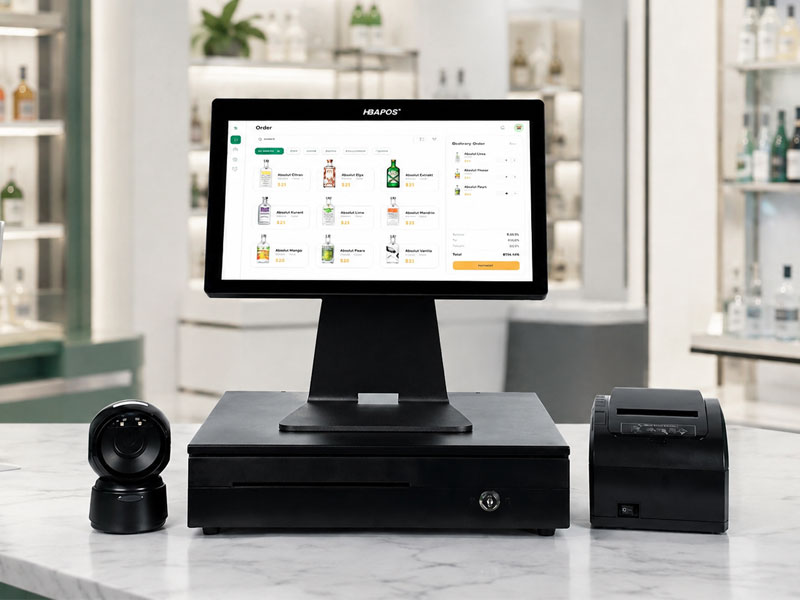
HBA-R9 is intended for projects that prefer a standard keyboard rather than the programmable keyboard and integrated scan platform of HBA-R8. It has a standard built-in receipt printer and the same 360-degree adjustable customer-display structure. Because it does not include the R8 built-in scanning platform, the integrator must plan the required scanner separately.
This layout may suit service counters or checkout lanes where operators enter more text, where the software already relies on a conventional keyboard, or where the retailer has standardized an external scanner. These are selection examples, not universal rules. The final choice should follow the customer's transaction workflow and software interface.
Ask how the external scanner will connect, where it will sit, and whether its cable crosses the operator's work area. Also confirm receipt paper width, printer driver or command requirements, keyboard language, customer-display output, and access for maintenance. The absence of a built-in scan platform should be treated as a planning decision, not automatically as a disadvantage.
Use HBA-LS-6 for Weighing and Labeling
The
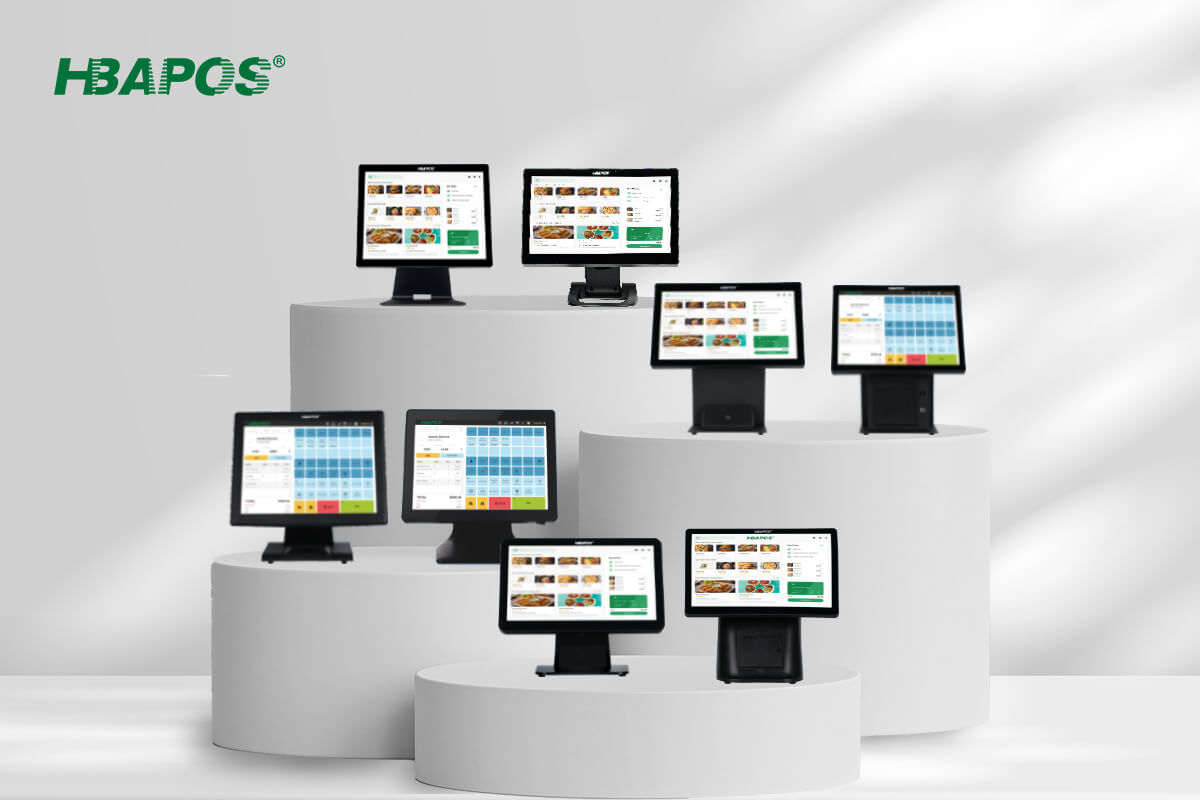
HBA-LS-6 combines a weighing scale, label printer, touchscreen, and AI camera in one station. It can be considered for fresh produce, bulk goods, or other merchandise sold by weight. The hardware can collect weight and support label production, but the complete transaction depends on the customer's software, product database, label design, and pricing rules.
Product recognition is software-dependent. The AI camera should not be described as guaranteeing automatic identification by itself. Before quotation, the software vendor should explain how products are trained or selected, how confidence or exceptions are handled, how the weight reaches the application, and how the label printer receives its content.
The product page lists a 15 kg scale, but capacity alone is not enough for deployment approval. The buyer should confirm the required division, accuracy class, legal metrology or trade-use rules in the destination market, calibration responsibilities, platter size, label stock, and operating environment. These requirements can vary by country and application, so they should be verified for the actual project.
Build the Hardware Plan Around the Software Workflow
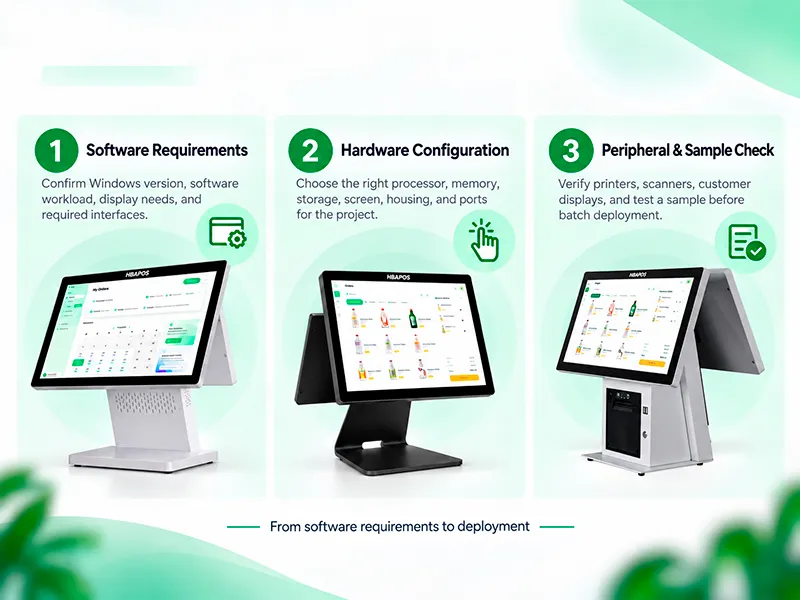
Hardware selection should start with the software requirement list. R8 and R9 must be matched to the checkout application, peripheral drivers, screen output, printer commands, scanner input method, and keyboard mapping. LS-6 additionally requires the weighing and recognition workflow to be defined by the software provider.
Plan the Complete Checkout Counter
A product image cannot confirm that a system will fit the final counter. Prepare a top-view drawing for each lane type. Include the terminal, customer display, printer access, scanner path, payment device, cash drawer, bagging space, network connection, and power outlets. For LS-6, include the weighing platter, product handling area, label path, and space required for cleaning.
- Record the usable counter width and depth rather than relying on a general small or large label.
- Mark the operator's normal reach, viewing angle, and keyboard position.
- Reserve access for receipt or label replacement and routine maintenance.
- Confirm that customer-display movement does not hit shelves, barriers, or other equipment.
- Check cable routes and ventilation before approving a production configuration.
Validate One Sample Before a Larger Deployment
A sample is the most direct way to confirm the hardware and software combination. HBAPOS can start from one sample unit, and sample production can be completed within seven days. This refers to production time, not international delivery time.
The customer may send a POS software installer or remotely connect to the sample. Testing for R8 or R9 can cover application launch, keyboard input, customer-display output, receipt printing, scanner input, and restart behavior. For R9, include the selected external scanner. For LS-6, agree separately on weighing data, label printing, and any software-based recognition workflow.
HBAPOS may provide a test video, screenshots, or a simple test record according to the agreed scope. The software vendor or system integrator should define acceptance criteria before testing so that a successful application launch is not mistaken for complete workflow validation.
Information Needed for an Accurate Quotation
- Store area and intended role for each terminal
- Preferred model and required quantity by lane type
- Operating system and POS or weighing software requirements
- Main-screen and customer-display size requirements
- Keyboard type, scanner arrangement, and printer media requirement
- For LS-6, weighing capacity, label format, software recognition workflow, and destination-market compliance requirements
- Peripheral models, interfaces, network method, and payment-device space
- Logo, color, packaging, or other customization requirements
- Sample quantity, expected order quantity, destination, target schedule, and required test evidence
Pricing should be based on the final bill of materials and test scope. Comparing quotations without matching the keyboard, scanner, printer, display, software, and weighing requirements can produce a misleading price comparison.
Recommended Selection Process
Choose HBA-R8 when an integrated scan platform and programmable keyboard match the staffed lane workflow. Choose HBA-R9 when a standard keyboard and separately planned scanner are more suitable. Choose HBA-LS-6 for a weighing and label-printing station after the software and local weighing requirements have been confirmed. A larger supermarket may use all three roles rather than forcing one terminal design across every department.
For a new project, begin with the lane drawing and software requirements. Confirm the role of every module, prepare a sample, and test the exact workflow before approving a larger order. To request a model-specific configuration, send the software requirements, peripheral list, lane plan, quantity, and destination through the
HBAPOS contact page.
Frequently Asked Questions
Can HBA-R8 and HBA-R9 use the same customer-display arrangement?
Yes. The two models use the same 360-degree adjustable customer-display structure. The selected display size and software output should still be confirmed for the project.
What is the main difference between HBA-R8 and HBA-R9?
HBA-R8 uses a programmable keyboard and includes a built-in barcode scanning platform. HBA-R9 uses a standard keyboard and does not include that built-in scanning platform. Both models have a standard built-in receipt printer.
Can HBA-LS-6 recognize products automatically?
The hardware includes an AI camera, but recognition depends on the customer's software, product database, and configured workflow. Recognition capability and acceptance criteria should be tested with the actual software package.
Can one sample be ordered before deployment?
Yes. The sample MOQ starts from one unit. Sample production can be completed within seven days; delivery time depends on the destination and logistics method.