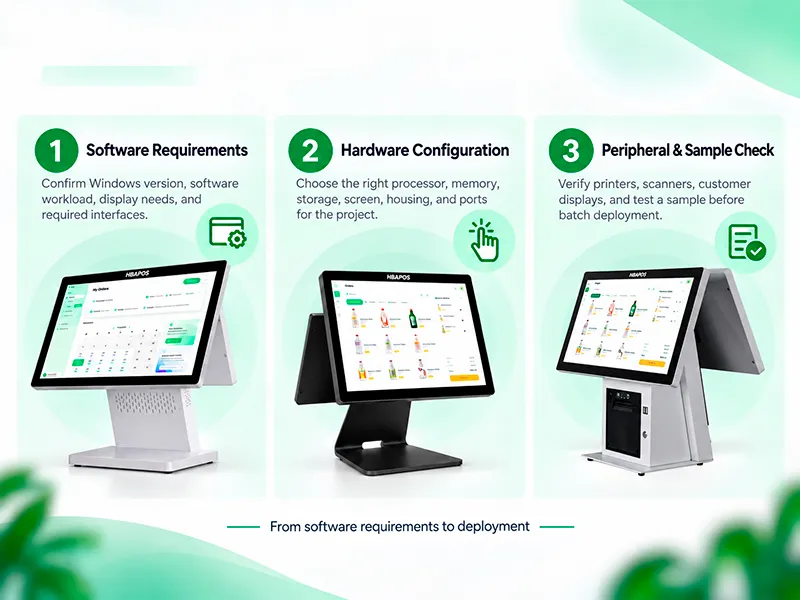
You have selected a POS terminal and discussed the configuration. Before placing a larger order, one question remains: does your software work as expected on the hardware you intend to buy?
For software providers, distributors and system integrators, a product specification is the starting point—not the final compatibility check. Installing the application, operating the touchscreen and testing connected devices can reveal issues that a specification sheet alone cannot answer.
HBAPOS supplies Windows-based POS hardware and supports testing with customers’ own software. Customers can send an installation package or remotely connect to an HBAPOS sample terminal. Testing can also include printers, barcode scanners, cash drawers and customer-facing displays, with results shared through videos, screenshots or simple test records.
This checklist focuses on validating a proposed configuration before a bulk order. If you are still deciding which equipment you need, start with our
POS hardware selection guide.
1. Define the Sample Configuration and Test Scope
Before testing, agree on the exact terminal configuration and the tasks you want to verify.
Record the terminal model, full processor model, installed memory, storage, Windows version and display arrangement. List the peripheral models and connection methods included in the evaluation.
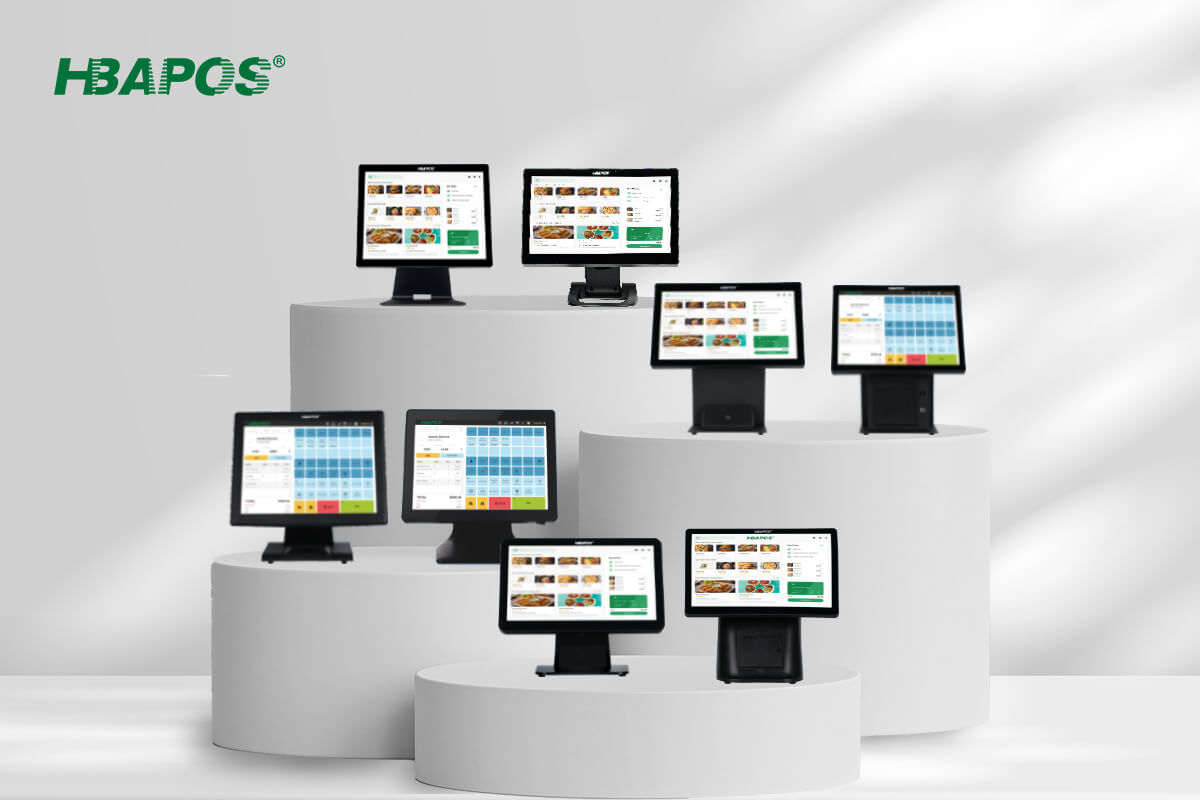
If you are considering the HBA-Q2, HBA-Q3, HBA-L1 or HBA-L2, specify the proposed configuration rather than relying on the model name alone. A successful test on one configuration should not automatically be treated as approval for every configuration in the range.
The test scope should also be practical. For example:
- Can the application install and launch?
- Are the main checkout screens displayed correctly?
- Does touch input select the intended controls?
- Can the software operate the required peripherals?
- Does the customer display show the intended content?
Agree on any additional requirements with your software provider before the session.
2. Choose How to Test Your Software
HBAPOS supports two ways to evaluate customers’ software.
Send Your Installation Package
Customers can provide an installation package for testing on an HBAPOS sample terminal.
To help the team prepare, include installation instructions, any required dependencies and the main functions you want checked. If the application requires activation or an account, arrange an appropriate test licence or temporary demo account.
Provide the software version if you know it. If not, identify the exact installation package being supplied. Recording its filename and the test date helps track the session, although the software provider may still need to confirm the version when investigating an issue.
Connect Remotely to a Sample Terminal
Customers can also remotely connect to an HBAPOS sample terminal to install, configure or operate their software.
This is useful when setup requires specialist knowledge or when the software provider wants to investigate application behaviour directly. Agree on the connection method, access permissions and session time in advance.
For either method, use demo data where possible. Avoid sharing live customer records or production account credentials.
3. Check the Application on the Touchscreen
A program opening successfully is only the first test. Work through the screens and actions that matter in the intended deployment.
Check whether menus, buttons and text appear correctly at the sample’s display settings. Test controls near the edges of the screen as well as those in the centre. Where relevant, check scrolling, pop-up windows, text entry and the on-screen keyboard.
Use a representative workflow—for example, finding an item, changing its quantity, applying an allowed adjustment and completing a test sale in the software’s demonstration environment.
For remote sessions, separate what can be checked remotely from what needs local verification. Remote operation can demonstrate software behaviour, but physical touch response should also be checked on the terminal itself.
4. Test Each Required Peripheral
HBAPOS can assist with testing printers, scanners, cash drawers and secondary displays. Agree on the exact devices and functions to include.
| Test area | Example check | What to record |
|---|
| Receipt printer | Print a test receipt from the customer’s application | Printer model, connection, output and any errors |
| Barcode scanner | Scan representative codes into the intended application field | Scanner model, code types tested and recognition results |
| Cash drawer | Trigger opening through the intended software workflow | Connection arrangement and observed response |
| Customer display | Show the intended order or promotional content | Display configuration and content shown |
| Combined workflow | Run the application with the required devices connected | Whether the tested steps work together |
These are suggested checks, not a promise that every application or peripheral will work without configuration.
A device being detected by Windows does not, by itself, demonstrate that the customer’s application can use all its functions. Test the required action inside the software.Likewise, testing a customer display should establish what the application actually sends to that display—not simply whether the screen turns on.
5. Review the Evidence and Unresolved Issues
HBAPOS can provide testing videos, screenshots or simple records. Before the session, explain which results your team needs to review.
A useful record links each result to a specific configuration and test step:
- Passed: The agreed action produced the expected result.
- Issue found: The action failed or behaved differently from expectations.
- Not tested: The required device, access or test condition was unavailable.
Keep “not tested” separate from “passed.” If a peripheral was not available during the session, its compatibility remains unverified.
When an issue occurs, record the steps that produced it, the observed behaviour and any error message. Share this information with the software provider and agree on the next check.
After changing a driver, application setting or software package, repeat the affected test and record the new result.
6. Confirm the Configuration Before Ordering
Once the sample meets your agreed requirements, compare its configuration with the proposed order.
Confirm the processor, memory, storage, Windows version, screen arrangement, peripherals and optional items. Ask the quotation to identify what is included and clarify any licence or software requirements separately.
If a component or configuration changes, decide whether the affected functions need retesting. This helps prevent a successful sample evaluation from being applied to a different setup without review.
HBAPOS accepts orders starting from one unit. Testing arrangements and any additional evaluation requirements can be discussed when preparing your sample enquiry.
Frequently Asked Questions
Can HBAPOS test our own POS software?
Yes. Customers can send an installation package or remotely connect to an HBAPOS sample terminal. Provide the setup requirements and the functions you want tested so the scope can be agreed.
Can you test our software with POS peripherals?
HBAPOS can assist with printer, scanner, cash-drawer and customer-display testing. Confirm the required device models and connection methods before the session.
What if we do not know the software version?
Send the installation package and any available setup information. Identify the package used for testing and ask your software provider to confirm the version if needed.
Does a successful sample test guarantee compatibility in every installation?
No. The result applies to the configuration, software, peripherals and functions actually tested. Different versions, devices or deployment conditions may require further checks.
Arrange a Software Test with HBAPOS
Before committing to a bulk order, validate the combination your customers will actually use.
Contact HBAPOS with your preferred terminal, proposed Windows configuration, software installation requirements and peripheral list. Let us know whether you would like to send an installation package or arrange remote access, and which results you need documented.
A clearly defined sample test gives both your team and the hardware supplier a stronger basis for the next purchasing decision.